01
Net worth & pension
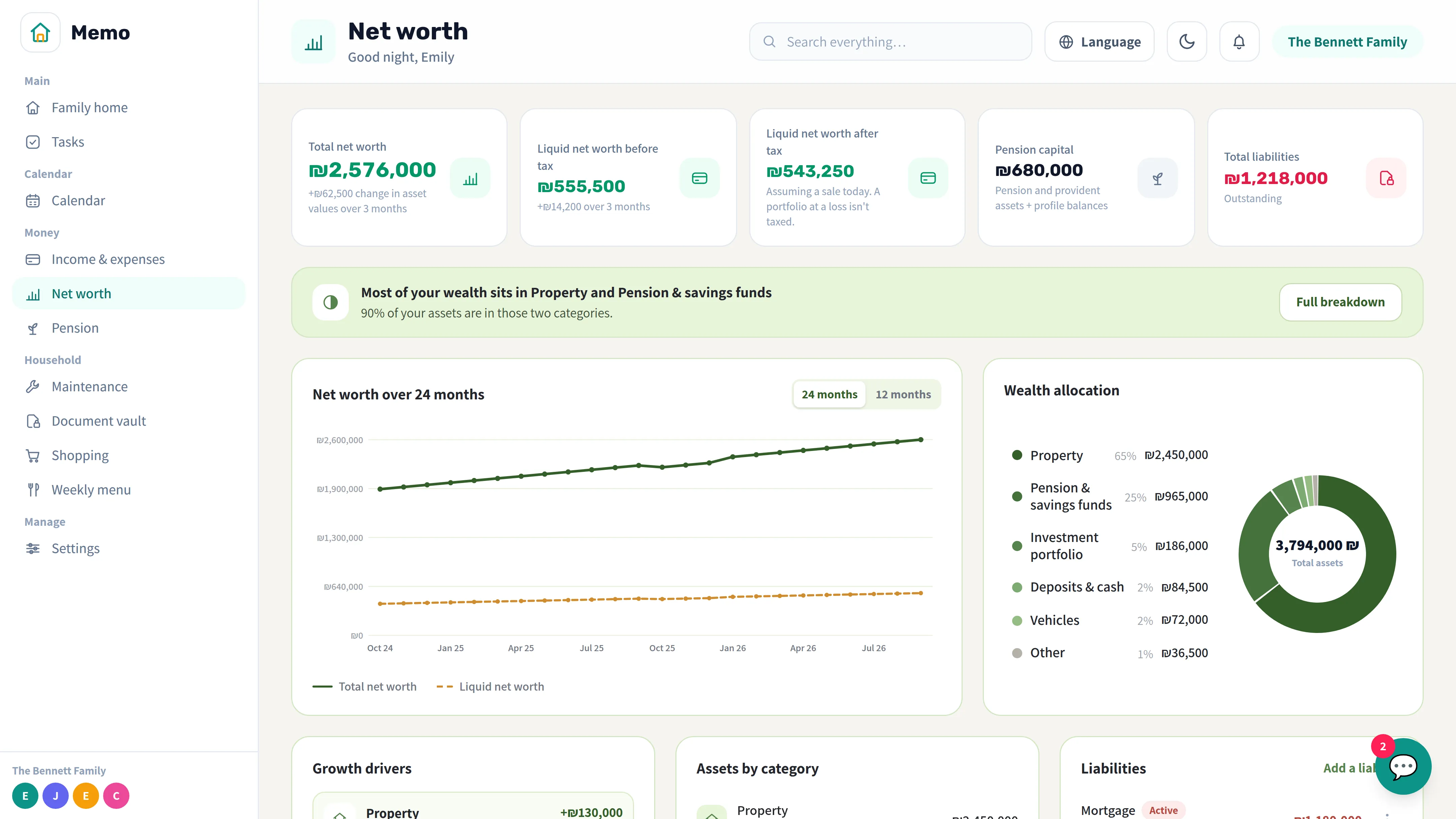
Track assets, savings and pensions — your family's whole financial picture in one place.
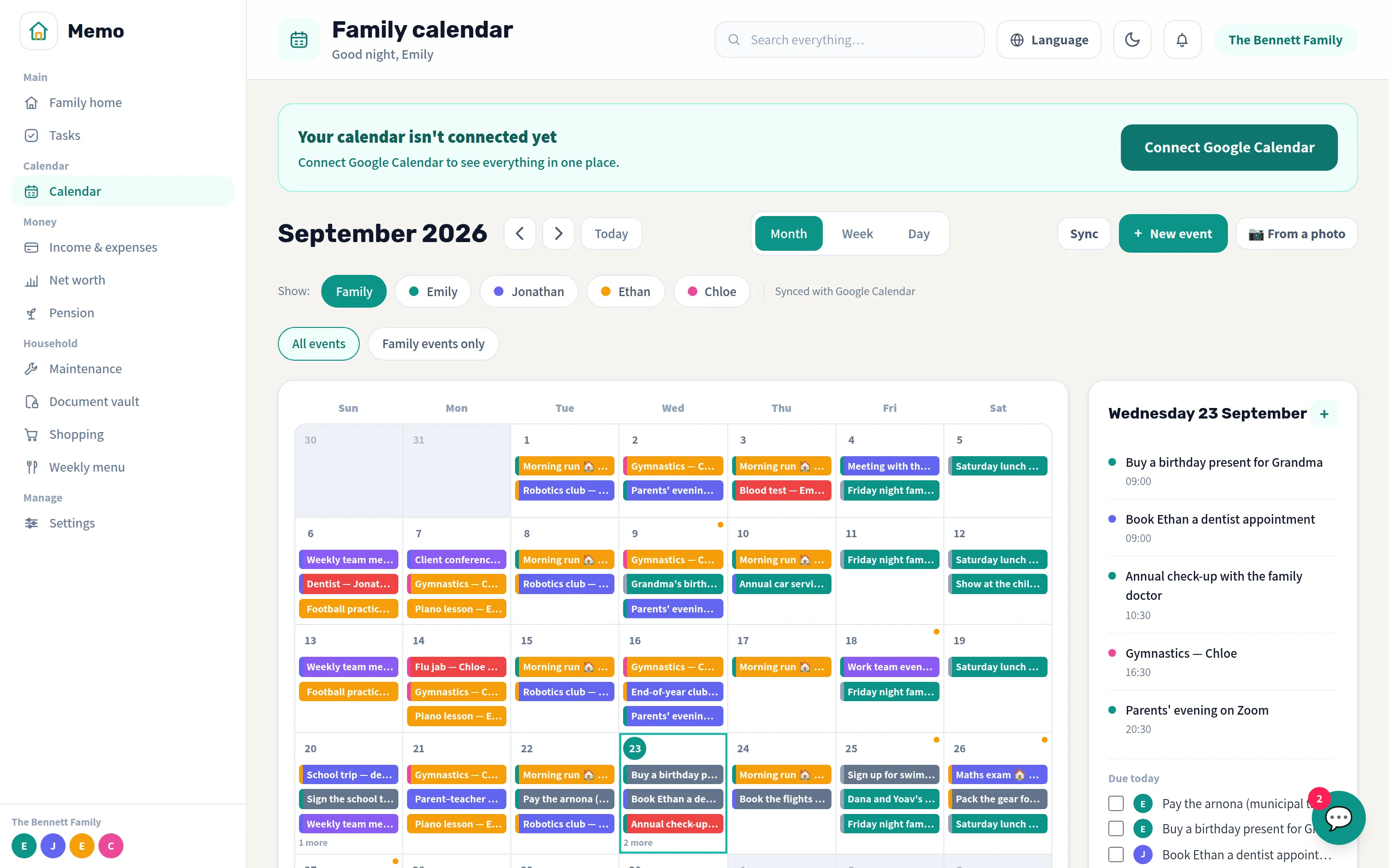
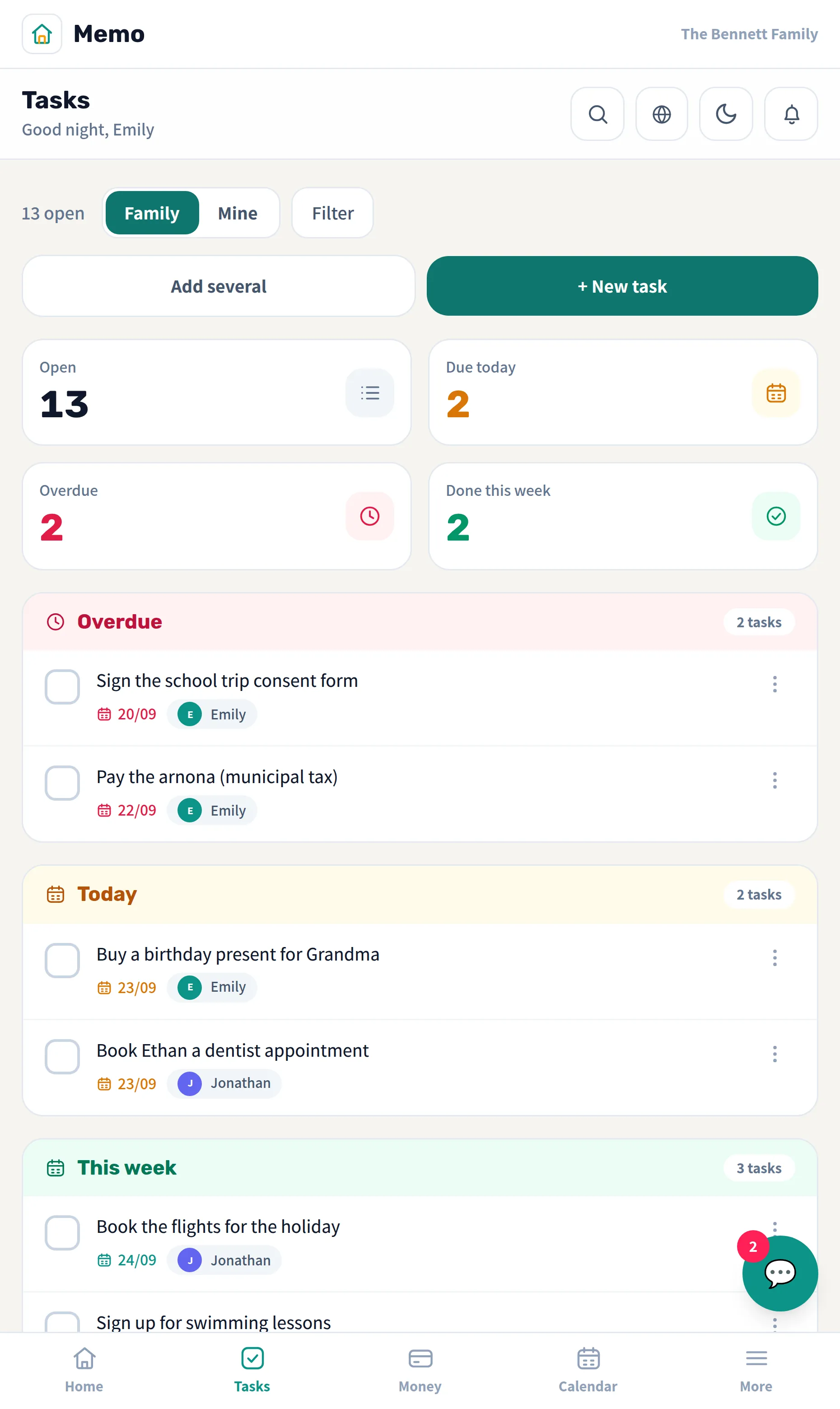
Memo puts your whole household in one app: a shared calendar, shared tasks, spending, shopping lists and important documents. Everyone sees what matters to them, and every update reaches the whole family instantly.
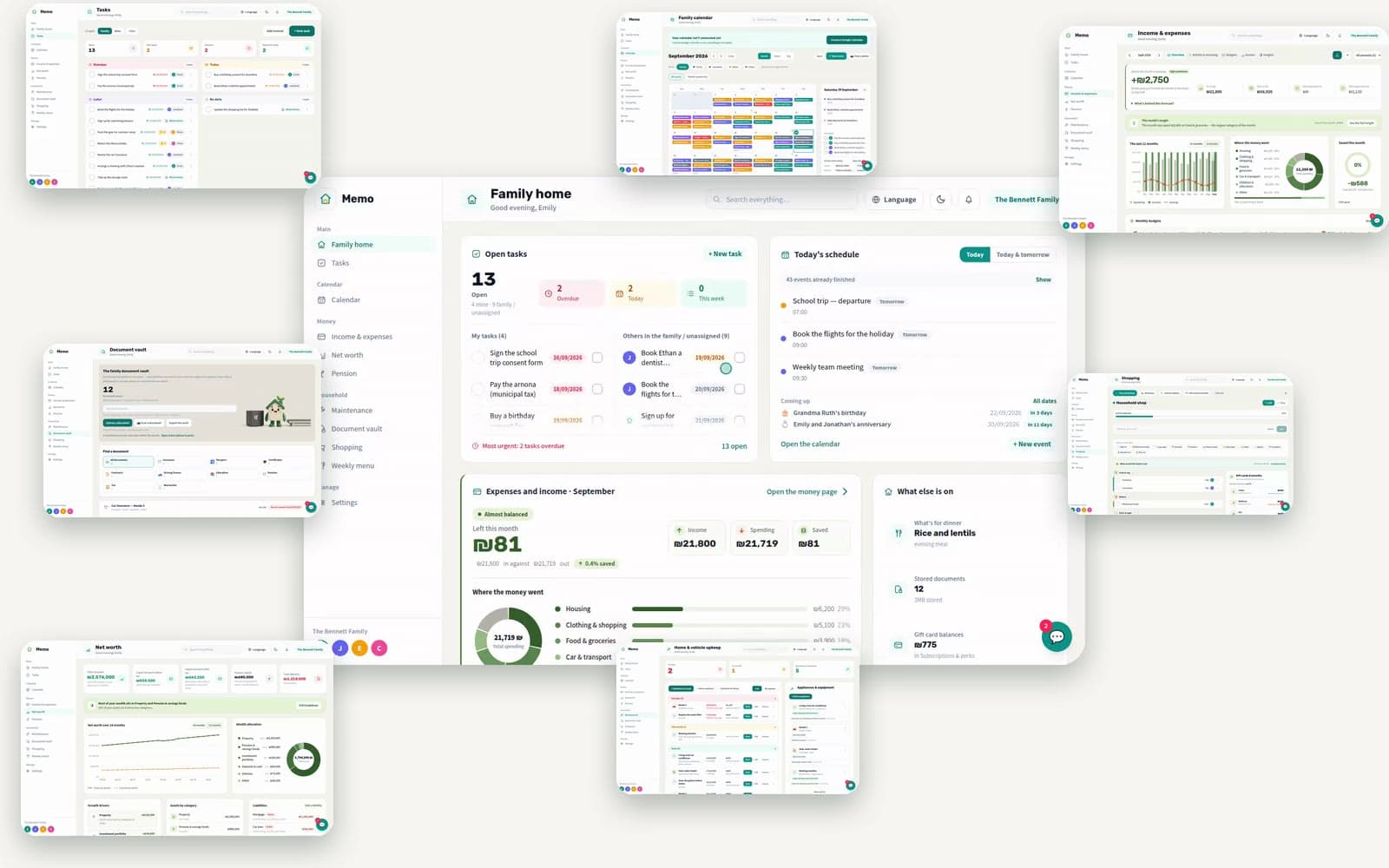
Everything it takes to run a home.
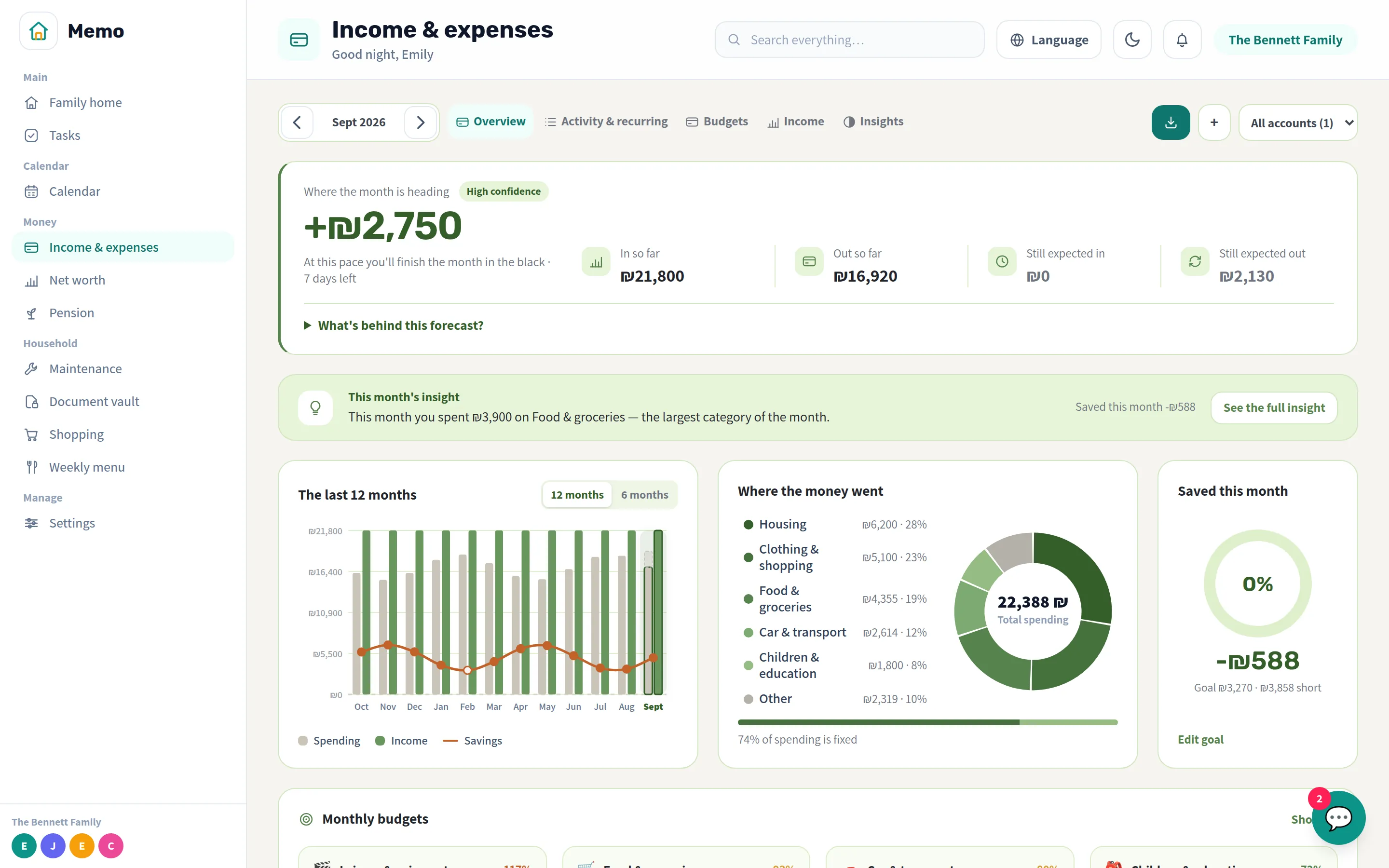
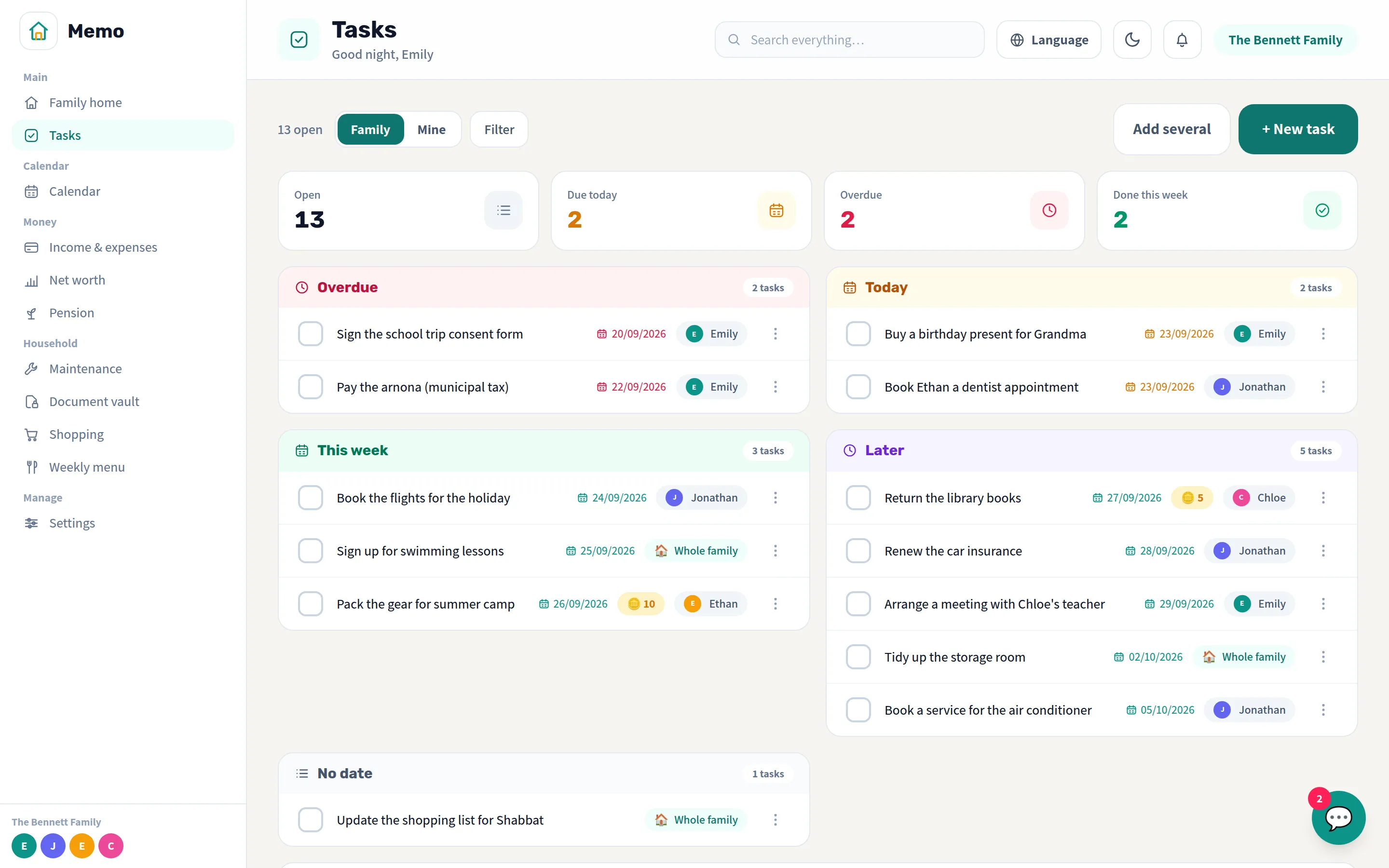
Everything else it takes to run a home lives here too — same app, same place, same language.
Track assets, savings and pensions — your family's whole financial picture in one place.
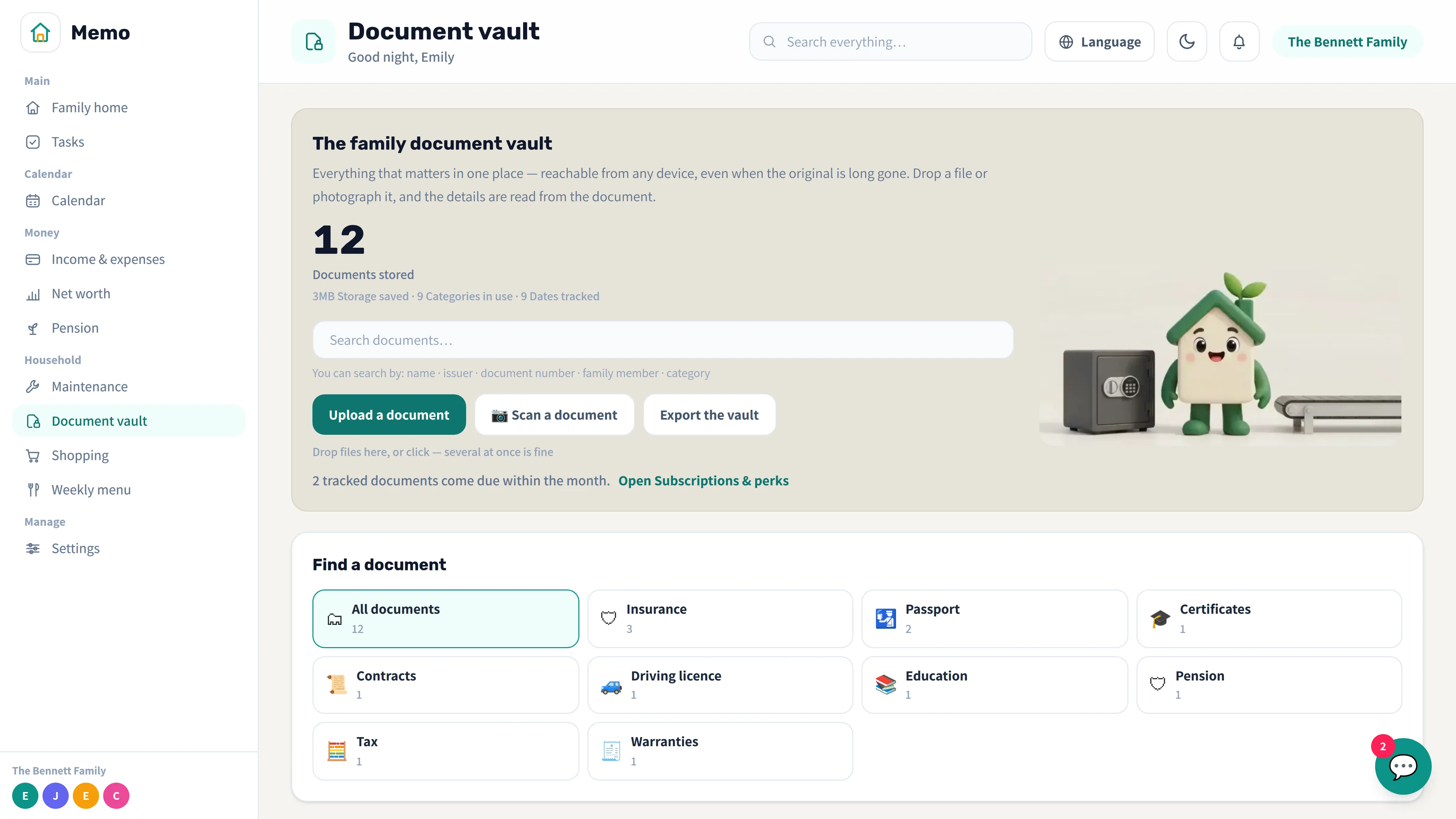
Contracts, certificates and insurance policies — stored safely and available to the whole family anytime.
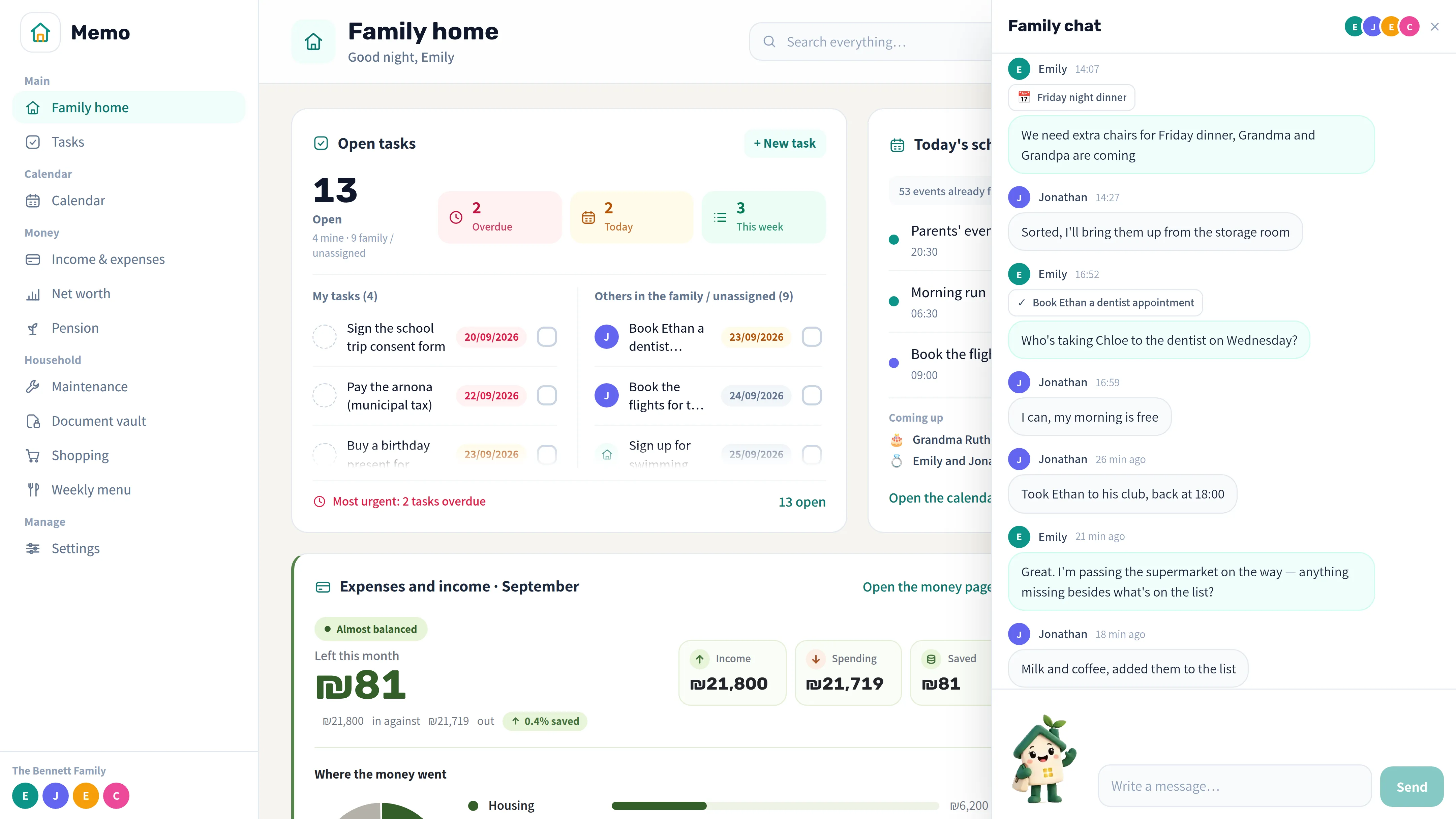
Everyday coordination right inside the app — no need to switch to WhatsApp.
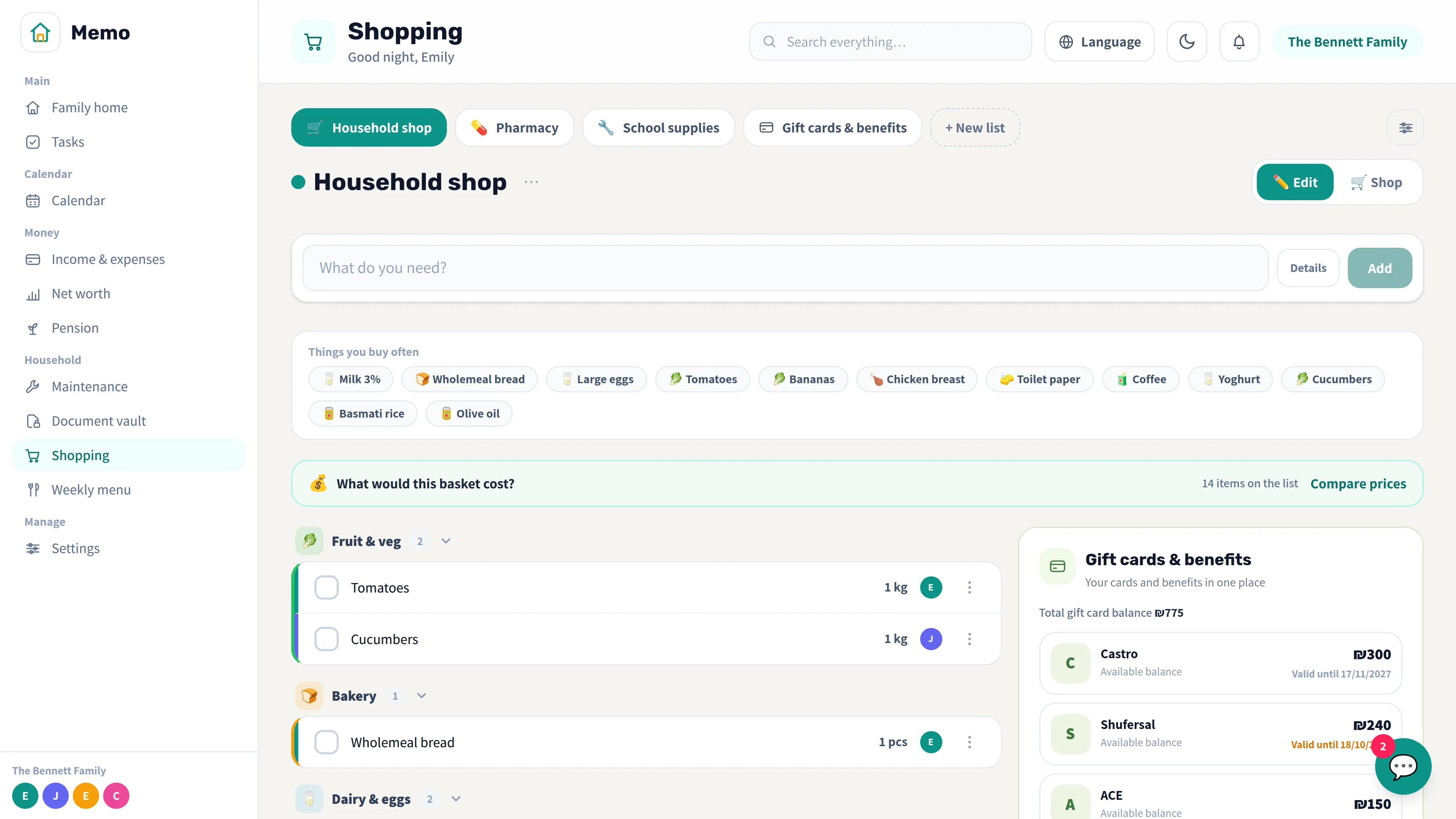
A shared shopping list and a week of planned meals, updating for everyone in real time.
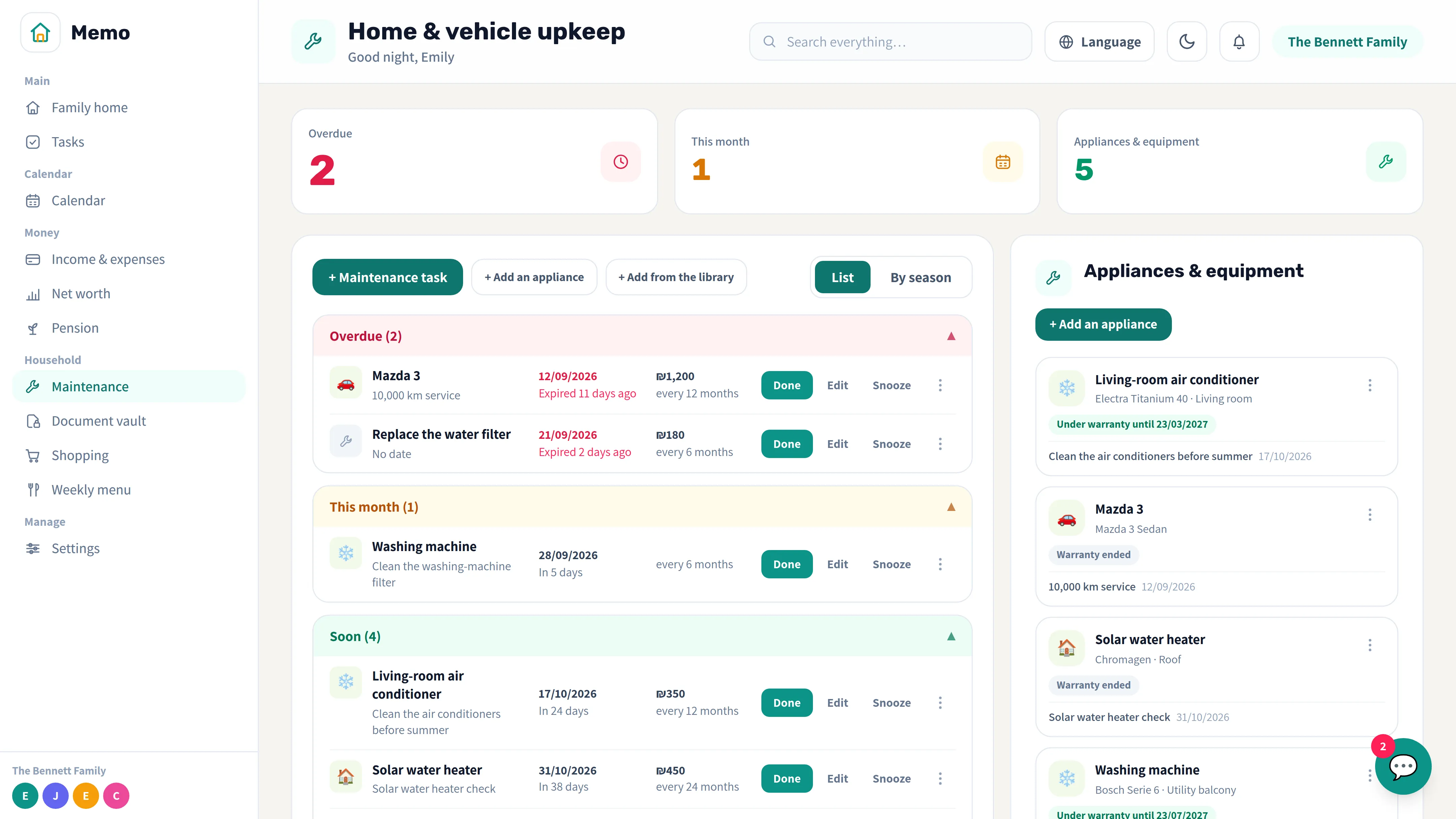
Stay on top of repairs, routine maintenance and home projects before they turn into problems.
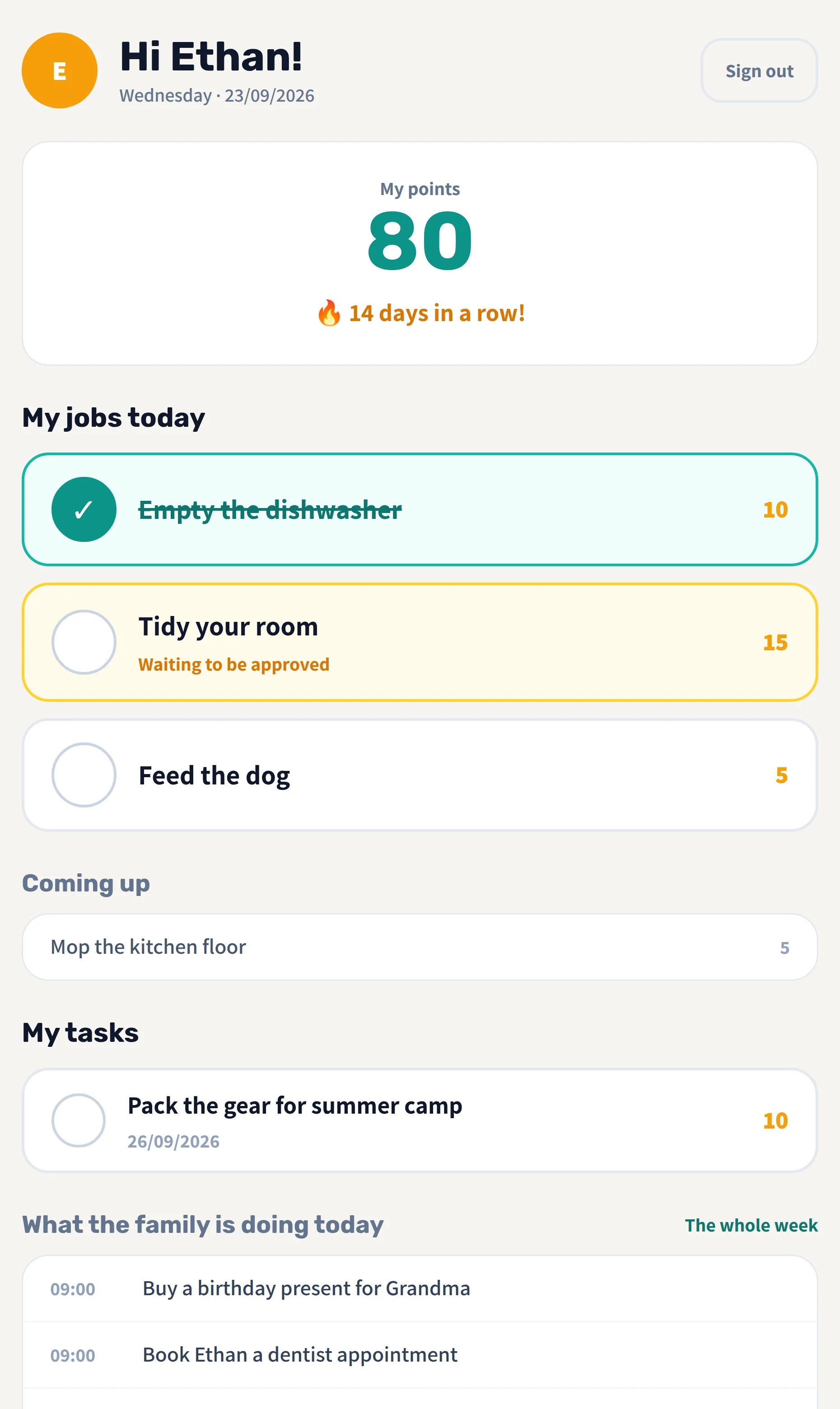
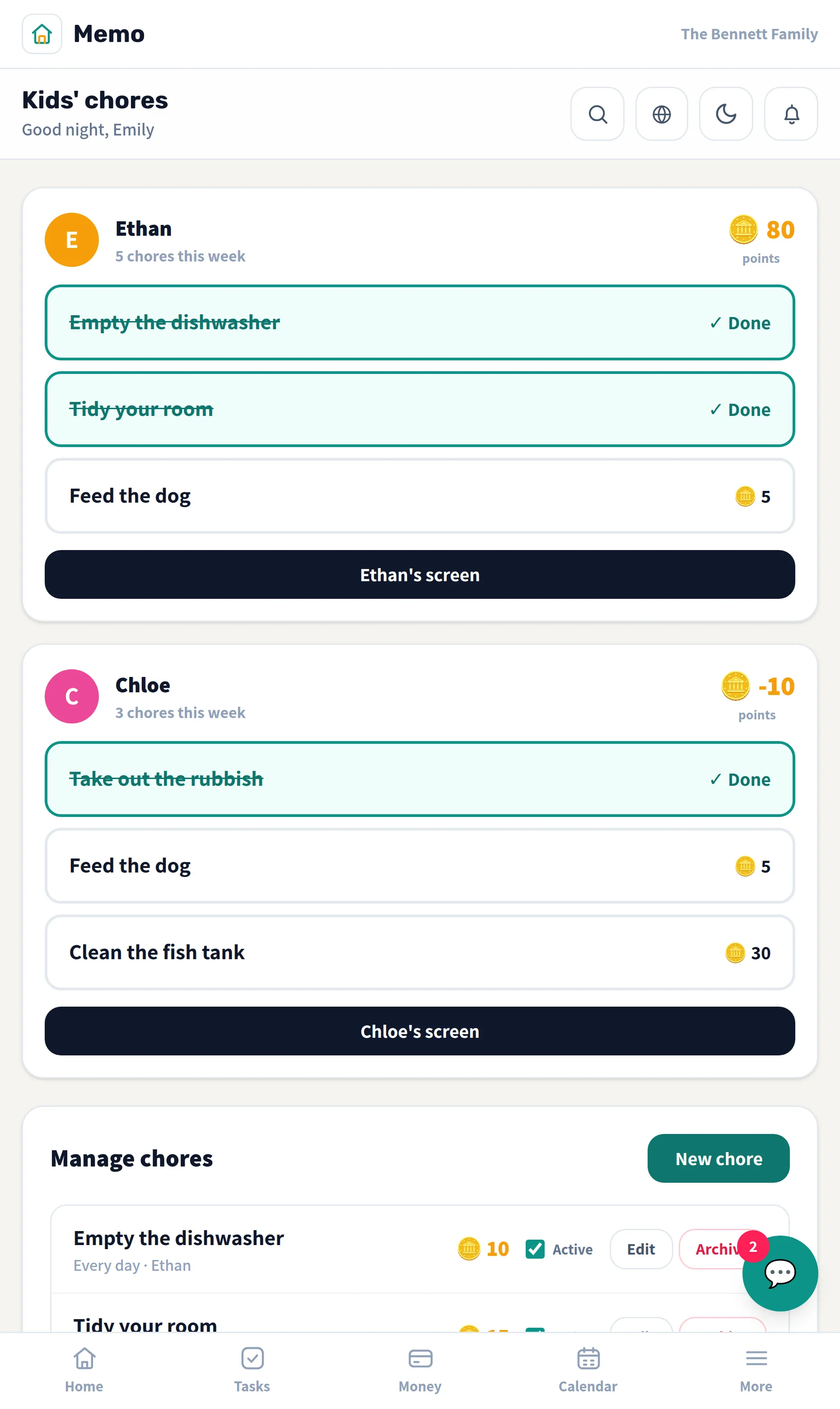
Invite family members in one click and decide exactly what each person can see and edit. Kids get their own screen — chores, tasks and points, with no access to money or documents.
Three steps, about five minutes, and the whole family is in.
Each family member connects their own Google account from the calendar settings. Memo asks for only 2 permissions — reading and editing events on the calendar you own and read-only access to your list of calendars — so your calendar can appear alongside the family's events, and so an event created here also shows up in the calendar on your phone. Sync goes both ways: editing or deleting an event on one side is reflected on the other. A personal event syncs only to that person's calendar; a family event goes to every connected calendar. We never ask for access to your Gmail, Drive or contacts.
Yes, in one click, from the calendar settings. Disconnecting immediately deletes the stored permission, and from that moment on your calendar's events are no longer fetched or shown in Memo — we never store them in the first place; they're only read live. Events you created in Memo stay yours, and you can also revoke access directly in your Google account.
Memo never connects to your bank and never asks for your banking login. Data comes in only from an Excel or CSV file you upload or from what you enter by hand, and each family's data is kept fully isolated in the database.
Yes — they get their own separate screen with tasks, chores and points, and no email account is needed. It has no access to financial data, documents or connected calendars.
For now it's free, and no credit card is needed. If we ever introduce pricing, we'll let you know in advance, and we'll never charge you without your explicit consent.
That's the tour.
Memo is in the final stages of development and will open to everyone soon. Leave your email and we'll let you know the day it happens.
Notify me when it opens